Microsoft Resolves Media Creation Tool Crash After Recent Windows Updates
A recent update restores the Media Creation Tool’s functionality and introduces new enhancements for Windows 10 and 11 users.
Key Takeaways:
- Microsoft fixes a bug that broke the Media Creation Tool on some Windows 10 and 11 systems.
- The issue affected users trying to upgrade or create installation media.
- The latest update also brings design tweaks and new security improvements.
Microsoft’s Media Creation Tool, a go-to utility for installing or upgrading Windows, recently hit a snag, crashing unexpectedly on some PCs after the latest updates. The good news? Microsoft has rolled out a fix that not only restores the tool’s functionality but also brings new features and security enhancements to Windows users.
The Media Creation Tool is a free utility from Microsoft that allows users to download the latest version of Windows and create installation media, such as a bootable USB drive or DVD. It’s commonly used for upgrading PCs, performing clean installations, or repairing systems by reinstalling Windows.
What caused the Media Creation Tool to fail?
According to Microsoft, the Media Creation Tool (MCT) had stopped working properly on Windows 10 version 22H2 and Windows 11 version 25H2 after installing the Windows 11 2025 Update. Users reported that the tool closed unexpectedly without any error on Windows 10, and an error message stating “We’re not sure what happened…” on Windows 11 version 25H2 devices.
This bug created complications for those attempting to transition from Windows 10 to Windows 11. Microsoft confirmed the issue and provided a temporary workaround that involved manually downloading the Windows 11 ISO to create installation media in order to continue the upgrade process.
New features and improvements in the latest Windows update
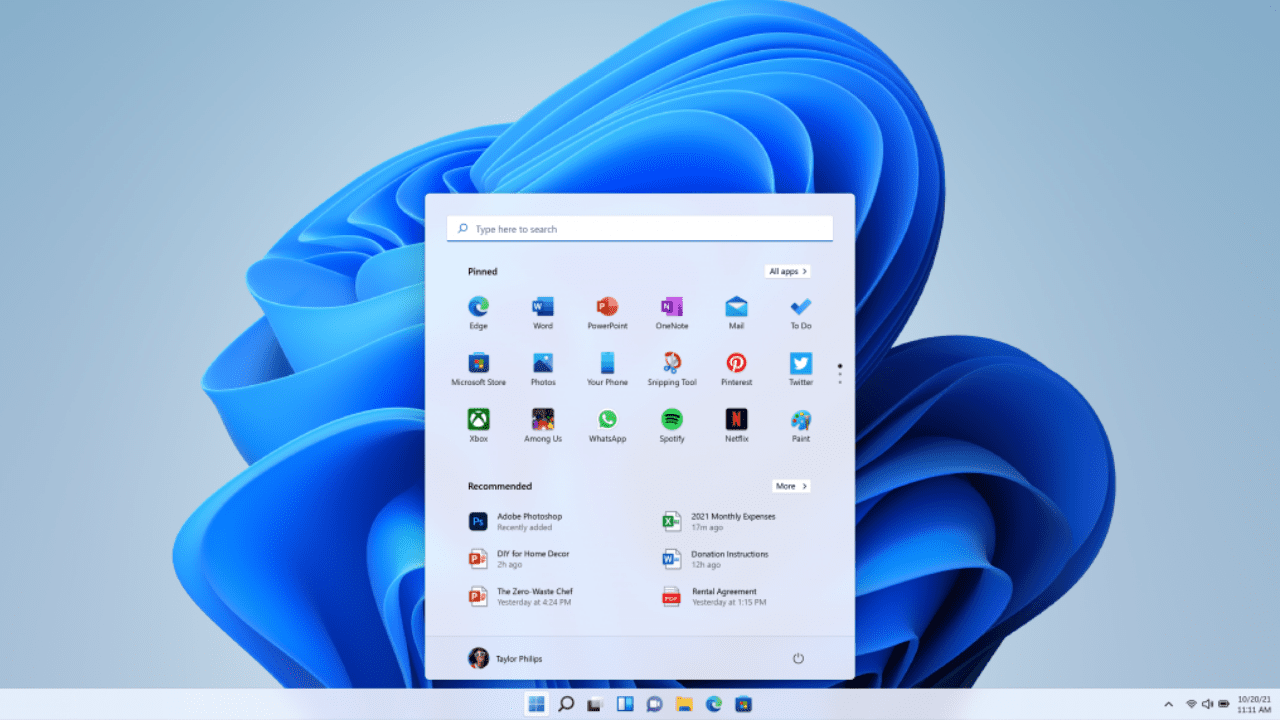
Microsoft fixed this issue with the KB5067036 preview update, which updated the Media Creation Tool (MCT) on October 28. The same update also introduced improvements like a redesigned Start Menu, an Administrator Protection tool, and a fix for update failures that caused error code 0x800F081F on Windows 11 version 24H2.
“The Windows 11 media creation tool has been updated to a new version on October 28, 2025. It can be downloaded at [this site]. As always, bootable media can also be downloaded directly at this site, under the section titled “Download Windows 11 Disk Image (ISO) for x64 devices,” Microsoft explained.
Microsoft recently tightened its security checks by enforcing stricter validation of Security Identifiers (SIDs), which are unique codes used to identify user accounts and groups. Consequently, some PCs experienced authentication problems after updates, especially when mismatched or invalid SIDs were detected. This change aims to improve security, but it may require administrators to review and correct SID configurations to avoid login or access issues.

Rabia has a master's degree in Software Engineering and she has years of experience writing professionally about Microsoft products and other technologies. Rabia has also written for OnMSFT.com as well as Windows Report. She is always up to date on t...