Not Every Workflow Needs an Agent: Choosing AI, Automation, or a Recurring Task
AI agents are valuable when ambiguity, context, and conversation matter. For predictable work, conventional automation—or even a well-owned recurring task—may be cheaper, safer, and better.
I’m going to say something unpopular. Brace yourself: You don’t need to create an agent.
AI agents are everywhere in the Microsoft conversation right now. They promise to answer questions, find information, make decisions, and take action across business systems. Some of that promise is real. But that doesn’t make agents the right answer to every repetitive business process.
When the trigger, decision path, and outcome are known, a conventional workflow is usually more predictable and easier to govern. When the work is infrequent or someone needs to make a meaningful business decision, a recurring task may be the better design. If you choose an agent anyway, you may add consumption costs, testing, permissions complexity, and an ongoing operational burden without improving the outcome.
The question is not whether AI can perform the task. It probably can. The question is whether it adds enough value to justify the cost, uncertainty, and governance required to operate it.
So how do you choose?
Start with the uncertainty
Start by asking where the uncertainty lives. That usually makes the right choice obvious.
If the process sounds like this:
- “When this happens, do that,” start with automation.
- “Every month, an accountable person must review this and make a decision,” start with a recurring task.
- “It depends on what the person means, what the documents say, and which approved action fits the situation,” develop an agent.
- “Employees need a consistent, governed way to ask questions and take approved actions,” develop an agent.
When a recurring task is the right answer
Consider a common IT example: reviewing backup failures.
A team might propose an AI agent that reads each morning’s backup report, decides which failures matter, opens tickets, and sends notifications. Before building it, break the process into its parts:
- Pull the backup report on a schedule.
- Identify systems with failed jobs.
- Compare the failure count or duration with a documented threshold.
- Create or update a ticket.
- Notify the correct queue or customer contact.
- Escalate if the ticket remains unresolved.
The review still needs a human owner, but the collection, ticketing, notification, and escalation steps are known. I would use a recurring task to make someone accountable for the review. Then let the Remote Monitoring and Management (RMM), Professional Services Automation (PSA), and Power Automate handle the predictable supporting work.
In most backup scenarios, a failure must be investigated. There is no meaningful ambiguity for an agent to resolve before the standard work begins.
When automation is the right answer
Let’s consider employee onboarding after HR marks a new hire as approved. The required steps are already known:
- Create the user account from approved HR data.
- Assign licenses according to the employee’s role.
- Add the employee to the correct groups.
- Create standard tasks for equipment, security training, and manager follow-up.
- Notify the manager when setup is complete or when an exception occurs.
This process has a reliable trigger, defined inputs, established rules, and predictable outcomes. The business doesn’t need an agent to interpret what HR meant or invent the next step. It needs automation that performs the approved sequence every time, records what happened, and routes exceptions to a person. This is where Power Automate, your PSA, and existing identity-management tools should do the work.
When an agent earns its place
Now let’s consider an internal service-desk assistant that employees use to ask for help. One person says, “I can’t get into the finance system.” Another says, “The app I use for invoices stopped working after I changed my phone.” A third asks, “Can you give our temporary accountant access through Friday?”
Those requests may point to different applications, policies, identity issues, approval requirements, and risk levels. The employee may not know the correct product name or the technical category. The right response depends on what the person means, what access that person already has, what company policy allows, and whether more information or approval is required.
An agent can interpret the request, ask clarifying questions, search approved knowledge sources, and choose the correct tool or workflow. It might guide one employee through resetting multifactor authentication, collect the details needed for another person’s incident, and send the temporary-access request into a controlled approval flow.
The agent handles the language and context. The underlying automation performs the consequential action. Here, the agent earns its place because conversation and ambiguity are part of the work.
Choose the simplest fit
| Choice | Use when | Strength | Primary risk | Example |
| Recurring task | A person must review, decide, or remain accountable on a schedule. | Clear ownership and human judgment. | The review is skipped, delayed, or not escalated. | Review backup failures and confirm follow-up. |
| Automation | The trigger, rules, inputs, and outcomes are known. | Consistent, auditable execution at scale. | Exceptions break the workflow or the process changes. | Provision an approved new employee. |
| Agent | Language, context, or ambiguity changes the next step. | Interprets requests, asks questions, and uses approved knowledge. | Unexpected responses, excessive access, or unpredictable consumption. | Route an employee’s service-desk request. |
These choices are not mutually exclusive. A well-designed solution may use a recurring task to preserve human accountability, automation to perform the predictable steps, and an agent to interpret a request or gather missing context. Work may pass from one to another.
The key is to give each tool the job it performs best. Let the agent handle conversation and ambiguity. Let automation execute approved actions. Let a named person own the decisions and exceptions that should not be delegated.
The trend is to build solutions that automate humans. The real goal is to build efficient business solutions that augment them and do it cost effectively.
Cost is more than a license line
Once you know which approach fits the work, price the whole solution and not just the license. Comparing a per-user Power Automate license with the apparent price of an AI product isn’t a business case.
A recurring task has a visible cost: staff time. Its hidden risk is that no one completes it or escalates an overdue review. In many cases, the tools to assign and monitor the task already exist.
A workflow has build and maintenance costs. Its hidden risk is what happens when the process changes or an exception falls outside the rules. Microsoft 365 licenses include limited Power Automate capabilities, while premium connectors and more advanced scenarios may require additional licensing, but they are fixed known costs.
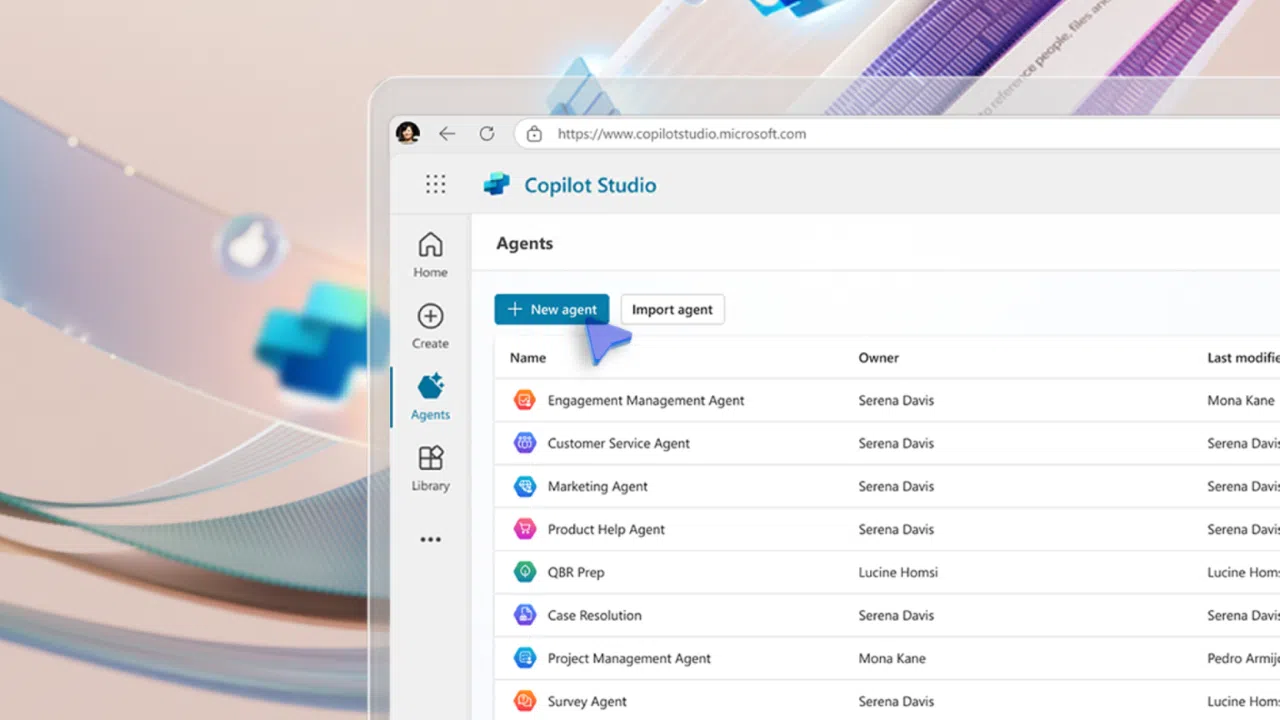
An agent has a more variable cost model. Copilot Studio can be purchased through prepaid capacity or pay-as-you-go consumption, and usage is measured in Copilot Credits.
The details matter because different agent activities consume different amounts. A simple answer is not the same as a generative answer, an agent action, tenant graph grounding, an agent-flow action, or premium reasoning.
That doens’t make agents too expensive. It makes careless agent design expensive. A high-volume, poorly bounded agent can create an ongoing consumption cost that is harder to forecast than a recurring task or conventional automation.
The larger cost may be operational. Someone must maintain the knowledge sources, decide what data the agent may access, test its responses, monitor tool calls, investigate unexpected outcomes, and define when human approval is required. Those investments make sense when the agent solves an ambiguous, high-value problem. They are wasteful when the real requirement was to send a weekly report.
Make agents earn their place
The mature approach is not to avoid AI agents. It is to make them earn their place in the architecture.
Use a recurring task when human accountability and judgment are the product. Use conventional automation when the rules are known. Use an AI agent when language, context, and ambiguity materially affect the outcome. And keep the consequential action behind controlled, deterministic workflows.
Not every workflow needs an agent. The most intelligent choice is often the one that is simplest to explain, least expensive to operate, easiest to audit, and least likely to surprise the accounting department. Build the business solution first. Add AI where it actually improves the result.

Amy Babinchak is a 22-time Microsoft MVP and AI Transformation Leader who helps MSPs build stronger, more secure, and more valuable businesses. She is the founding President of the National Society of IT Service Providers and the owner of Third Tier,...