IT Knowledgebase Articles
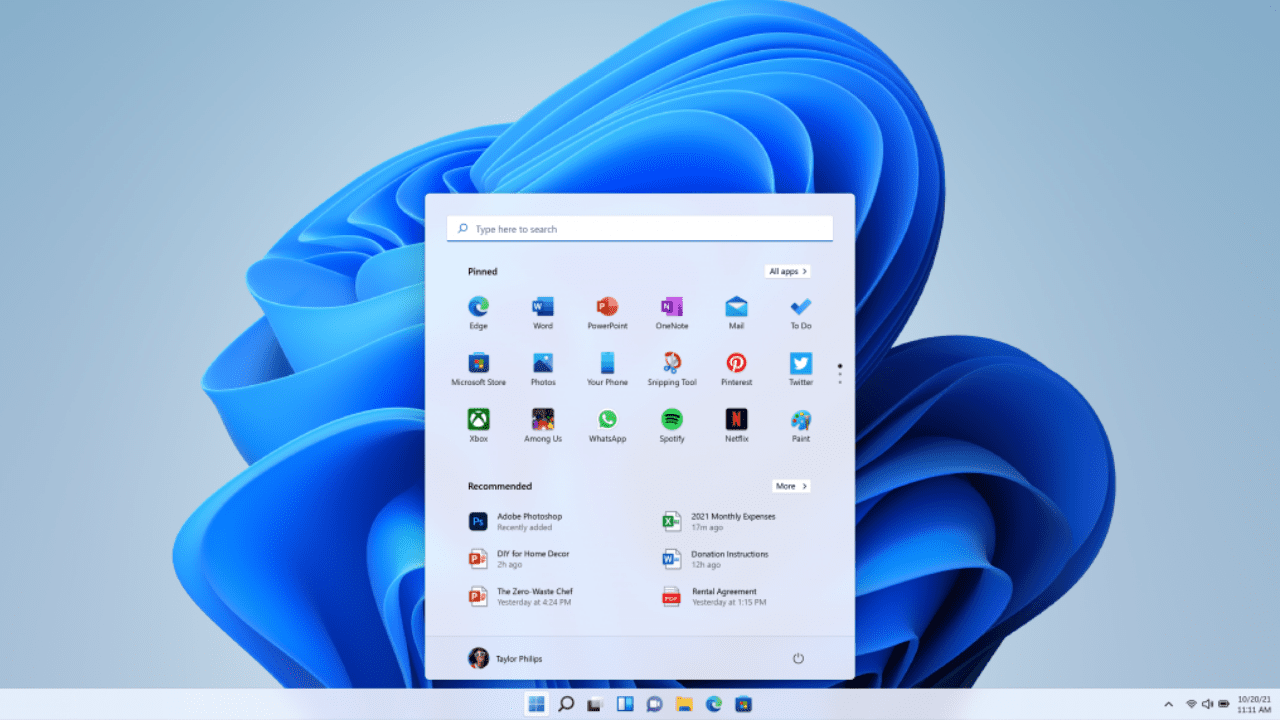
How to Download the Windows 11 ISO
Last Update: Sep 04, 2024
- Oct 28, 2021
-
 Russell Smith
 Russell Smith
 In this quick guide, I’m going to show you how to download the Windows 11 ISO image file, which you can use to install Windows 11 in a virtual machine (VM), perform a Windows 11 upgrade from Windows 10, or use to create your own installation media. If you want to install Windows 11 in…

Using Microsoft 365 Defender Threat Analytics to Improve Security
Last Update: Sep 04, 2024
- Oct 27, 2021
-

In this article, I’m going to describe how to use Microsoft 365 Defender Threat Analytics to improve security in your organization. Over three Petri articles, we’ve dived into what Microsoft Defender for Endpoint (MDE) is, how you can migrate to it, and how it should be configured. Part 1: Understanding Microsoft Defender for Endpoint and…

Ransomware Risks for Microsoft 365
Last Update: Sep 04, 2024
- Oct 26, 2021
-

With the rise in remote workers the risk of ransomware is higher than it has ever been before. By now most people know that ransomware is a type of malware extortion scheme that typically encrypts files and folders preventing access to critical data or sometimes it can also be used to steal sensitive data. After…
Surface Duo 2: Better Hardware, Same Productivity
Last Update: Sep 04, 2024
- Oct 21, 2021
-

The Surface brand is full of products that tried something different. The classic Pro put a different spin on a tablet, the Studio with a twist on the desktop, and then there is the Duo, the two-screen foldable that is Surface in name but it does not run Windows. When I took a look last…
How to Validate Applications Using Test Base for Microsoft 365
Last Update: Nov 19, 2024
- Oct 21, 2021
-

Test Base for Microsoft 365 is a platform which allows you to script and automate your application compatibility testing. Hosted in Azure, and based on Azure virtual machines, this service allows the easy onboarding of applications through a dedicated area of the Azure portal. To validate apps in Test Base, you should: Sign up for…
How to Avoid Disaster Recovery Failures
Last Update: May 24, 2023
- Oct 20, 2021
-
Experiencing a disaster is one of the worst possible events for both businesses and their IT departments. However, there is one worse event – failure to recover from the disaster. While every IT department should have a disaster recovery (DR) plan, that doesn’t mean every DR plan will work. In the best case, a failure…
Windows 11 is the Most Inclusive and Accessible Windows to Date
Last Update: Sep 04, 2024
- Oct 19, 2021
-
Accessibility is one of the fundamental elements required when creating inclusive technology. When developing a platform that over a billion people worldwide use daily, it’s vital to understand the impact poor usability and accessibility can have. Poor usability can cause irritation for the average user, but it can be a complete blocker to those who…
How to Join the Windows Insider Program and Upgrade Your Device
Last Update: Sep 04, 2024
- Oct 18, 2021
-

Welcome to my third post discussing all things Windows Insider Program (WIP). My first post went over the business angle. My second described more of the history and various Channels available to ‘Insiders.’ This post will walk you through joining the Windows Insider Program on a device, and the distinct options you have in joining…
Microsoft Defender for Endpoint – Important Service and Endpoint Settings You Should Configure Right Now
Last Update: Sep 04, 2024
- Oct 15, 2021
-
Microsoft Defender for Endpoint (MDE) is much more than a traditional antivirus service. Now being offered in Plan 1 and Plan 2, the full offering you get with Plan 2 not only provides antivirus capabilities but also extended detection and response, attack surface reduction rules to harden the OS against common threat mechanisms, and threat…
External Sharing and Guest User Access in Microsoft 365 and Teams
- Oct 12, 2021
-
Russell Smith
Sharing content with users external to your organization and managing guest user access in Microsoft 365 and Microsoft Teams can be confusing to understand and difficult to manage. If you would like to know more about this important aspect of cloud security, download this free eBook. AvePoint dives into policy considerations you need to make…