Microsoft Copilot App Gets Home, Code, and Autopilot Features to Expand Automation
Microsoft is adding new Copilot capabilities for delegated work, AI-assisted development, and autonomous task management.
Key Takeaways:
- Microsoft is expanding Copilot beyond chat with new tools for delegated work, app creation, and workflow automation.
- The new Code capability lets non-developers build apps and automations using natural language prompts.
- Autopilot introduces more autonomous AI workflows, increasing the need for governance, spending controls, and oversight.
Organizations are increasingly moving beyond AI-powered chat tools to automate more complex business processes. However, as AI adoption scales, managing growing numbers of AI agents, maintaining oversight, and controlling costs are becoming significant challenges. Microsoft has announced a new Copilot experience, which positions its platform as a way to help businesses build, delegate, and automate work through a unified AI workspace.
According to Microsoft, organizations are demanding AI systems capable of handling multi-step projects rather than simple prompts and responses. Employees often work across documents, emails, meetings, business applications, and collaboration tools, which creates fragmented workflows that can slow productivity. Moreover, non-IT business employees increasingly want to build custom solutions without relying entirely on IT departments, and business leaders seek stronger governance over AI-generated work and spending.
Microsoft Copilot expands with new automation and development tools
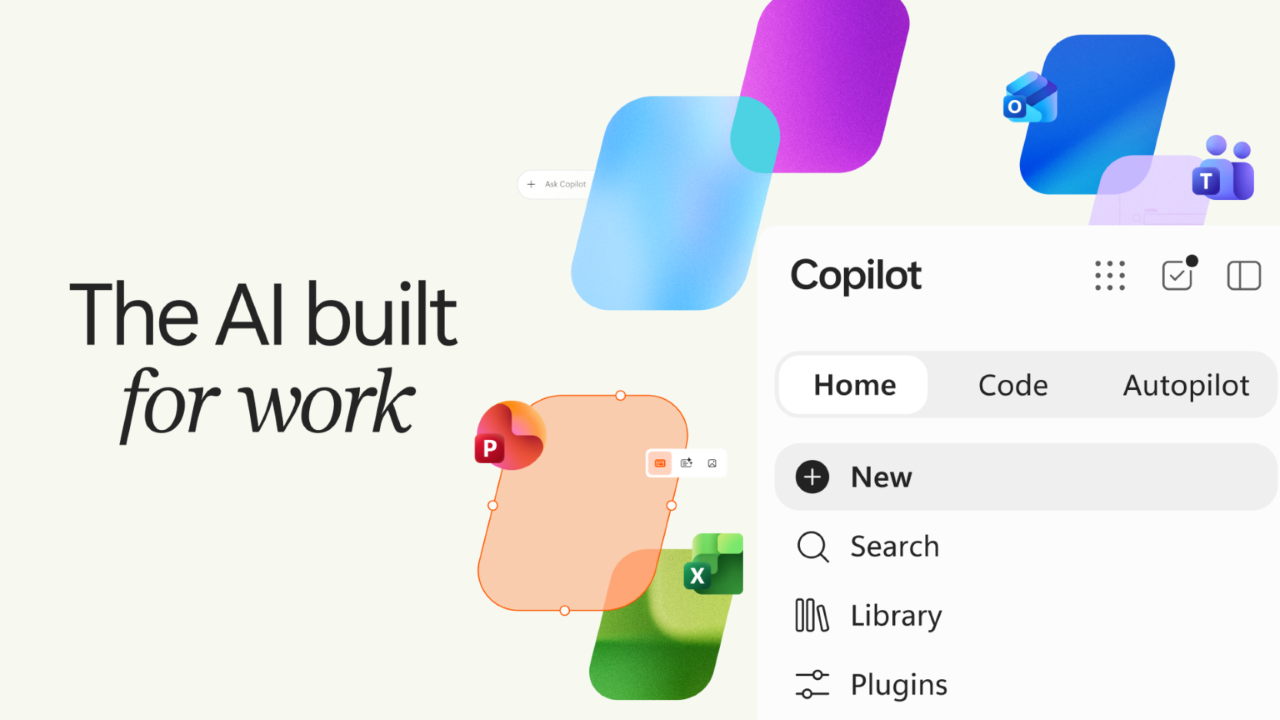
To address these issues, Microsoft is adding three major features to improve its Copilot AI assistant, including Home, Code, and Autopilot. Home serves as a central workspace that combines conversational AI and delegated work management in a single interface. Users can review activity, resume tasks, generate content, and work directly with Microsoft Word, Excel, and PowerPoint files without switching between applications. Microsoft Copilot will eventually determine automatically whether a task is best handled through chat, delegated work, coding, or another capability.
Microsoft is also expanding AI-assisted development through Code, which is a new capability designed to let non-developers build applications, dashboards, automations, and workflows using natural language commands. Code, which is powered by the same core technology used in GitHub Copilot, runs in a sandboxed environment and can be hosted within a customer’s Microsoft 365 tenant. Microsoft also launched the new Copilot Managed Runtime platform, which provides IT-controlled infrastructure for securely running AI-generated applications.
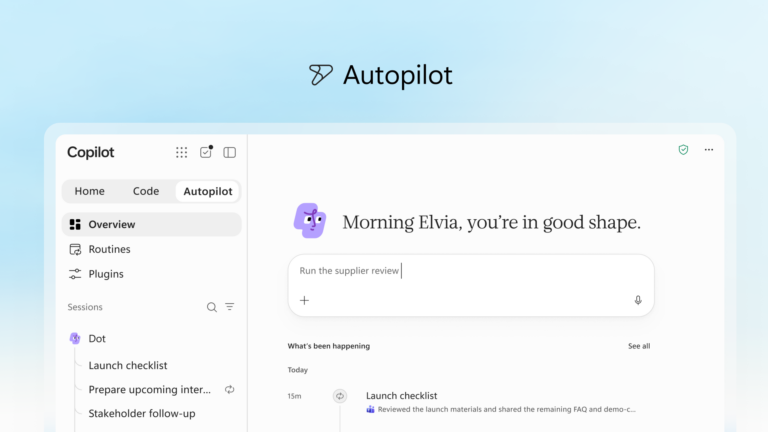
In addition to Code, Microsoft has introduced support for Autopilot, which is formerly known as Scout. Autopilot is designed to operate continuously in the background, which monitors communications, follows up on tasks, and managing recurring business processes. Microsoft positions it as a digital teammate that can participate in workflows across Microsoft Teams, Outlook, chats, channels, and documents while remaining subject to organizational permissions and governance controls.
Microsoft is also expanding the data sources available to Copilot through its Microsoft IQ platform. The new integrations with Fabric IQ, Dynamics 365, and Power Platform aim to provide richer business context, which enables Copilot to reference operational data, customer information, workflows, and support records when generating recommendations or completing tasks. Microsoft is also bringing a unified plugin registry to simplify how organizations deploy, manage, and govern Copilot extensions.
Why governance remains critical for autonomous AI workflows
Keep in mind that broader AI automation introduces new governance, security, and spending considerations. Capabilities such as Code and Autopilot could help organizations automate complex work and accelerate development, but they also increase demand for monitoring of AI apps, agent behavior, and resource consumption.
Microsoft is addressing these concerns through centralized management tools, plugin governance, spending controls, and expanded FinOps capabilities. However, organizations may need to balance the productivity benefits of autonomous AI with the operational requirements of monitoring usage, controlling costs, and maintaining compliance.

Rabia has a master's degree in Software Engineering and she has years of experience writing professionally about Microsoft products and other technologies. Rabia has also written for OnMSFT.com as well as Windows Report. She is always up to date on t...