IT Knowledgebase Articles

How to Register Windows 10 with Azure Active Directory
Last Update: Sep 04, 2024
- Sep 07, 2021
-
 Vignesh Mudliar
 Vignesh Mudliar
 Registering Windows 10 devices with an identity provider, like Azure Active Directory (recently renamed Microsoft Entra ID), is an important part of including endpoints in the Zero Trust security model. In this article, I’m going to show you how to register Windows 10 with Azure Active Directory. You will 1) register a Windows 10 device…
What’s New with Azure Infrastructure – August 2021 Edition
- Sep 01, 2021
-

I think you’ll find that there are quite a few announcements this month. The summer quiet period is over, and we’re into a whole new development/release semester in Microsoft, not to mention the countdown to the usual peak release season for Microsoft Ignite has started – most releases announced at Ignite happen well before Ignite….
Using SYSPREP in Windows 11
Last Update: Sep 30, 2025
- Aug 30, 2021
-
Russell Smith
 Russell Smith
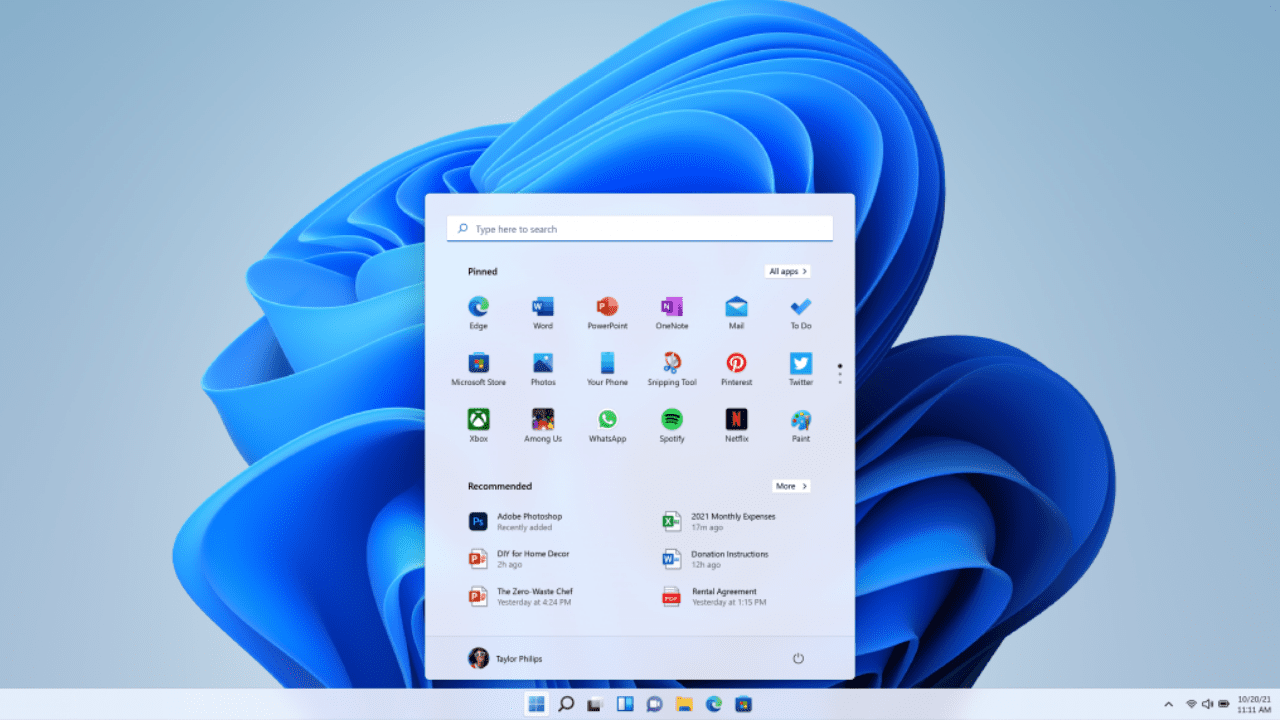
 Deploying Windows 11 to hundreds or even thousands of devices can be automated if you have a system image that you can clone. To create an image for cloning, you first install Windows 11 on a device or virtual machine (VM), and then configure the operating system to your requirements. For example, you might decide to…
Windows Server 2022 Series – Part 3 – Upgrading Final 3 Servers
Last Update: Sep 04, 2024
- Aug 27, 2021
-

Welcome to Part 3 of my Windows Server 2022 Series. This series of posts has chronicled the upgrade of my Microsoft Hyper-V lab. I have a number of servers running various roles, including Active Directory Domain Services (ADDS), fileservers, SQL Server, SharePoint Server, etc. I’m upgrading all of them to Microsoft’s latest Long Term Servicing…
Windows Server 2022 Series – Upgrading 2 more DCs and Fileserver (Core) to 2022
Last Update: Sep 04, 2024
- Aug 26, 2021
-
Welcome to Part 2 of my Windows Server 2022 Series. I am progressing through my Hyper-V lab, upgrading all the Windows Server 2016 and 2019 servers, running various roles, to Windows Server 2022. In my first post, I upgraded my first domain controller (DC), WS16-DC1, running Windows Server 2016 to Windows Server 2022. Yes, taboo…
GET-IT: Advanced Microsoft 365 1-Day Conference is Today
- Aug 24, 2021
-

Petri’s GET-IT: Advanced Microsoft 365 1-Day virtual conference is a full day of free learning dedicated to deep technical Microsoft 365 content to help you understand the tools available, how to use them, and understanding best practices too. Throughout the day you will hear from Microsoft MVPs and industry experts about how to take advantage…
How to Deploy Zero Trust Identity Security
Last Update: Sep 04, 2024
- Aug 20, 2021
-
Vignesh Mudliar
This is the second article in the Zero Trust Security in Microsoft 365 series. Here you will gain an understanding of the strategies to deploy Zero Trust Identity Security. Managing identity will always be at the forefront of this security model. Environments with proper identity policies are better placed to handle attempts at gaining access…

Upgrading to Windows Server 2022 Active Directory
Last Update: Sep 05, 2024
- Aug 17, 2021
-
I’m kicking off my series to upgrade my Hyper-V lab running Active Directory Domain Services. I’ll be performing in-place upgrades from Windows Server 2016/2019 to Windows Server 2022! I’ll also have some posts on updating the other member servers, file servers, Server Core, Windows Admin Center servers, etc. to 2022. Now, if you think only…
Default Keys for Windows Server 2019 and Windows 10 Deployment
Last Update: Sep 04, 2024
- Aug 11, 2021
-
Russell Smith
In Windows 10, Windows Server 2016, and later versions of Windows, you can perform a full installation of the operating system without needing to manually enter a product key as was the case in versions of Windows before Vista and Windows Server 2008. This makes it much easier to install Windows if you don’t have…
How to Enable Remote Desktop in Windows Server 2022 for Remote Administration
Last Update: Jun 05, 2025
- Aug 09, 2021
-
Russell Smith
Remote Desktop Services (RDS) is a feature in Windows Server 2022 that lets multiple users connect simultaneously and access applications and a desktop remotely. Windows Server 2022 Remote Desktop Services can also be used by IT for remote administration. It’s important to understand that if you want to connect to Windows Server 2022 to remotely…