IT Knowledgebase Articles

Still No Good Option for Office 365 Backups
Last Update: Sep 04, 2024
- Jun 13, 2017
-


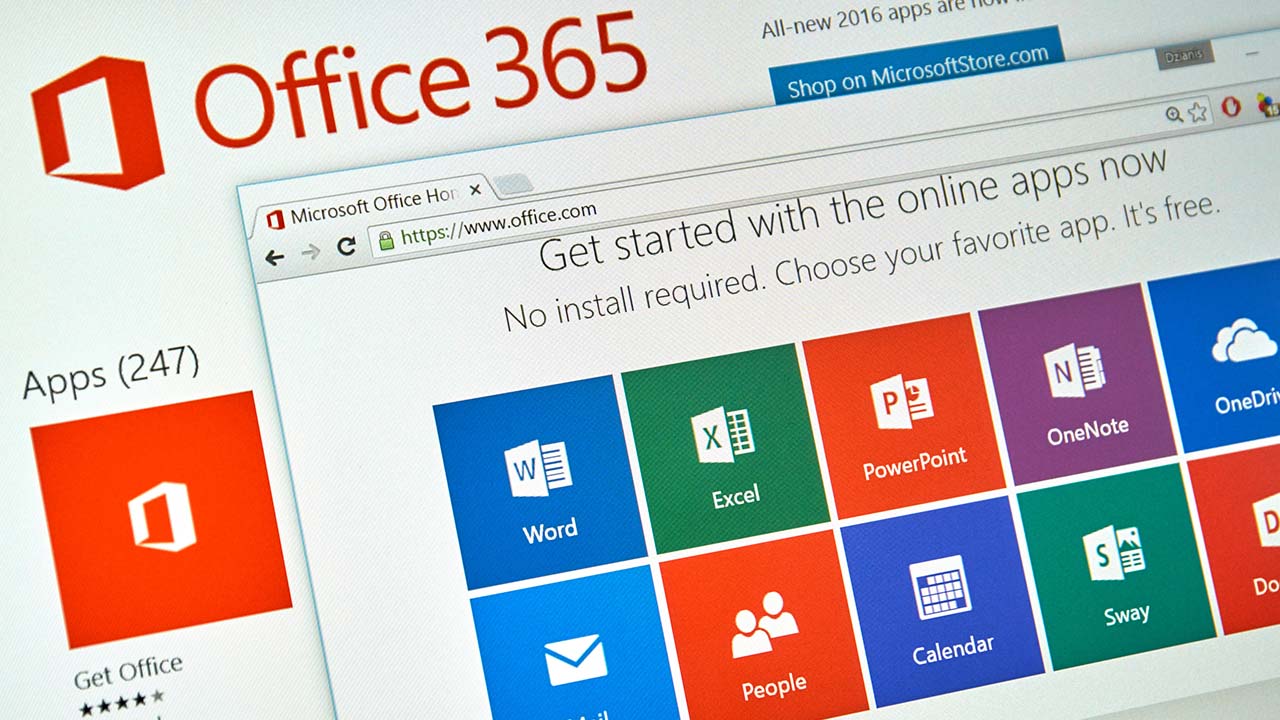
Backup solutions for Office 365 are available from many ISVs. However, six years after the Office 365 launch, no product exists that takes a comprehensive and integrated approach to Office 365 applications.
Avoiding Accidental Changes with PowerShell’s WhatIf and Confirm Parameters
Last Update: Sep 04, 2024
- Jun 12, 2017
-

Learn how to prevent PowerShell mistakes by adding -whatif and -confirm parameters.
5 Tips for Modern Task Management
Last Update: Nov 19, 2024
- Jun 09, 2017
-
Matthew McDermott
 Matthew McDermott
 If you can control your workload, you can sleep better, feel less overwhelmed, and actually enjoy the calm moments. Matthew McDermott shares 5 tips for better managing your workload and time.
Azure Site Recovery for Azure Virtual Machines
Last Update: Sep 04, 2024
- Jun 08, 2017
-

Aidan Finn explains how a new preview feature, Azure Site Recovery for Azure Virtual Machines, can provide disaster recovery services for virtual machines that are running in Azure.
The Rebirth of Yammer Groups
Last Update: Nov 19, 2024
- Jun 08, 2017
-
Microsoft has updated Yammer so that new groups use the Office 365 Groups service to manage the identity and membership of the groups. There are far too many “groups” in that last sentence, which kind of illustrates how a surplus of groups might be building up within Office 365.
TCP Fast Open — Disabled in Microsoft Edge
Last Update: Sep 04, 2024
- Jun 08, 2017
-
Russell Smith
 Russell Smith
 In this Ask the Admin, Russell Smith explains how TCP Fast Open helps to speed up browsing in Microsoft Edge and why it has been turned off by default in the latest cumulative update for Windows 10 Creators Update.
What Is Visual Studio Team Services?
Last Update: Sep 04, 2024
- Jun 07, 2017
-
Russell Smith
In this Ask the Admin, Russell Smith explains what Visual Studio Team Services is and how it compares to GitHub.
Ransomware Is Indiscriminate — Secure Your Systems Now
Last Update: Sep 04, 2024
- Jun 07, 2017
-
Russell Smith
Russell Smith explains how attackers target businesses indiscriminately and outlines some steps for securing your devices.
Create a Room Mailbox in Office 365
Last Update: Sep 04, 2024
- Jun 07, 2017
-
Russell Smith
In today’s Ask the Admin, Russell Smith shows you how to create and use conference rooms in Office 365.
Office 365 Apps Make Parts of Outlook Desktop More Usable
Last Update: Sep 04, 2024
- Jun 06, 2017
-
Outlook desktop includes Task and Contacts functionality that has not changed in years, which is why many users probably don’t use these client features. Mobile apps exploit Tasks and Contacts and make them much more usable.